
Surviving the BigQuery Storage Trap
I recently took over a new project to conduct a routine infrastructure audit. I decided to start with a standard check of the BigQuery storage and its costs. I brewed an espresso, opened the billing console, ran a few basic queries against INFORMATION_SCHEMA… and immediately choked on my coffee.
The project was paying for “air” on an industrial scale.
There were tens of terabytes of dead weight: forgotten GA4 temporary shards (those events_intraday_YYYYMMDD tables that accumulated for years because no one set up partitioning and deletion), hundreds of denormalized tables updated once in a blue moon, and a total lack of any data lifecycle policy. It was pure infrastructure entropy.
The Moment of Discovery: The Price of Neglect in Numbers
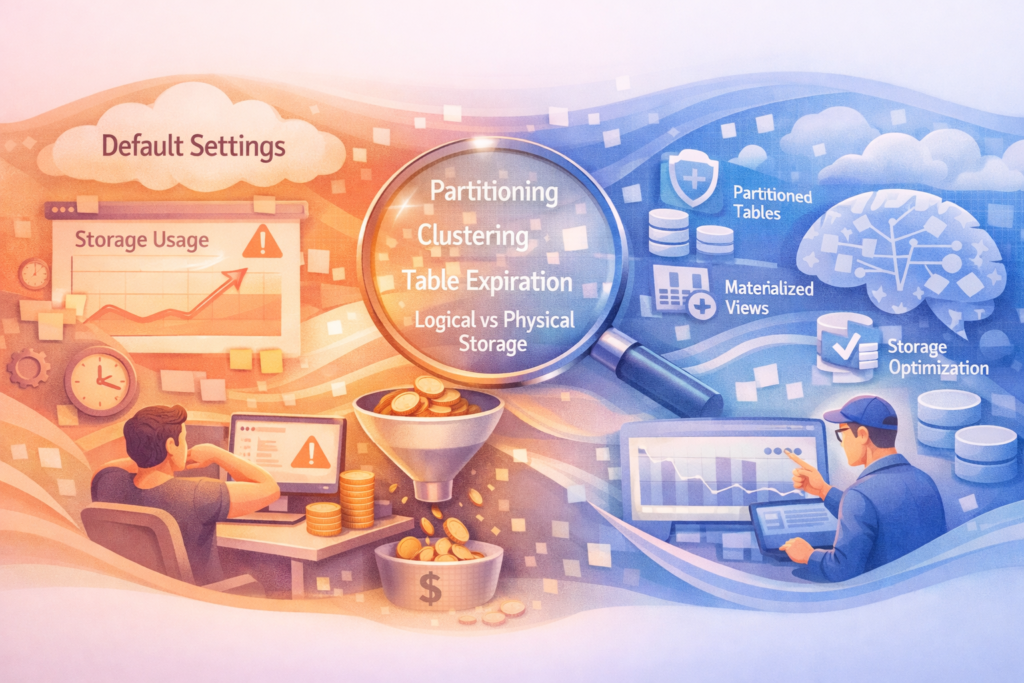
Why did I choke? I pulled the top three heaviest datasets in the project, which contained raw logs and historical web analytics exports.
Let’s look at one of them through the lens of standard system metrics:
- Logical dataset size (
logical_bytes): 100 TB. - Current cost (default rate of $20/TB for active storage): $2,000 per month.
Now, let’s look at how much space this data actually takes on Google’s disks after internal compression:
- Physical dataset size (
physical_bytes): 8.3 TB.
The magic of the Capacitor columnar format compressed the data almost 12 times. We switch this dataset to the physical billing model. Yes, the rate for a physical terabyte is higher — $40/TB. But let’s do the basic math:
- New cost (8.3 TB * $40): $332 per month.
The savings on just one dataset was $1,668 per month. The company was simply gifting Google almost $20,000 a year because no one looked at the documentation and changed a single setting. And there were several such datasets in the project.
After this investigation, it became obvious: blind trust in default configurations is an expensive habit.
The Illusion of Default Settings: Logical vs. Physical
By default, Google, like a very enterprising landlord, charges you per gigabyte based on the scattered footprint of your items. This is called LOGICAL_BYTES — the raw, uncompressed volume of data. You pay for every character, number, or JSON string you write.
But under the hood, BigQuery algorithms work differently. It tightly packs your data using a powerful vacuum sealer, compresses it with dictionaries, and puts it on the shelf in its proprietary columnar format, Capacitor. This is PHYSICAL_BYTES. You have every right to switch the billing at the dataset level to the physical model. If the compression ratio is high, you win big.
When Physical Billing Breaks the Mold (and the Bills)
Switching to the physical model is not a magic button; it is strict calculation. Here is where I got a massive cost reduction:
- Raw logs and GA4 architectural anomalies: Tables with analytics events, servers, or web trackers consist of a colossal amount of duplicates (URLs, user-agents, session IDs, timestamps). Columnar compression works like a meat grinder here. The compression ratio reaches 1:10, and sometimes 1:15.
- Wide denormalized tables (OBT): Huge tables prepared for BI dashboards, with many text dimensions and few updates. They compress perfectly.
- Historical archives: Data that lies as dead weight, but sometimes requires SQL access without jumping through hoops.
Anti-cases: When Time Travel Turns Savings into a Pumpkin
Engineering does not forgive blind faith in silver bullets. Physical billing has a harsh side effect: you start paying for Time Travel storage (7 days of change history) and Fail-safe (another 7 days of backup).
- High mutation frequency (DML): If a table is constantly rewritten (
UPDATE,DELETE,MERGE), BigQuery saves the previous states of data blocks. On the physical model, theTime Travelvolume will inflate your bill so much that the default logical billing will look like charity. - Incompressible data: Hashes, UUIDs, encrypted strings. Capacitor algorithms stall on them, the compression ratio approaches 1:1, and due to the higher rate, costs simply double.
The Architectural Solution (Zero-Trust Approach)
I didn’t fix this manually. Manual monitoring in the cloud is a path to burnout. All the logic was embedded into automated pipelines using standard scripts:
- Automated Audit: A scheduled script parses
INFORMATION_SCHEMA.TABLE_STORAGEand calculates theLOGICALtoPHYSICALratio, factoring in the DML load. If the math adds up, the dataset is switched to physical billing. - Export and Cleanup: The identified trash (like old intraday shards) doesn’t just hang around in BigQuery. I set up a pipeline that automatically exports this cold data to Google Cloud Storage in Parquet format (pennies for storage) and executes a ruthless
DROP TABLEin BigQuery itself.
Result: I stopped paying for air, implemented strict order, and put entropy control on autopilot.