
Migration Between Redshift and BigQuery: A One-Way Ticket or a Painful Return
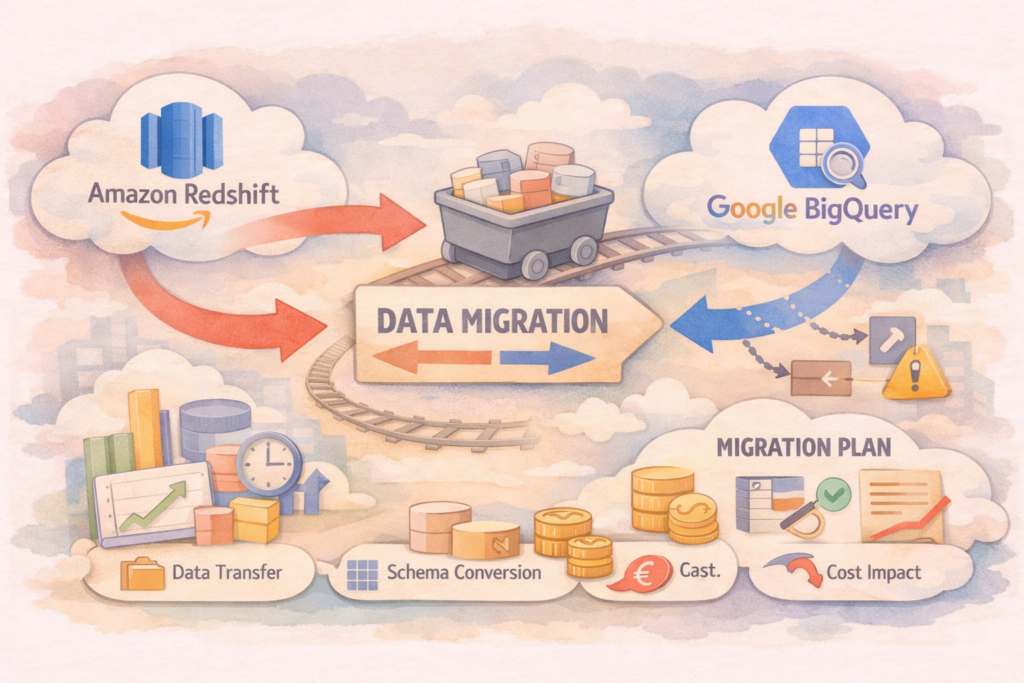
Conceptually, migrating between any analytical columnar databases (DWH) looks the same: export data to cloud storage → transfer files → load into the target database → validate. The basic ELT (Extract, Load, Transform) approach remains, but in practice, “the devil is in the details.”
AWS and Google Cloud ecosystems have very different tools. Also, the architectures of the databases themselves are so completely different that migrating backwards will bring a completely new set of engineering headaches.
1. The Algorithm and Transport: Forward and Backward Paths
Redshift → BigQuery (The Path of Least Resistance)
Google’s tools are historically designed to attract new customers, so this path is highly automated.
- The Optimal Way: Using the built-in BigQuery Data Transfer Service. It can directly connect to Redshift, run an
UNLOADto S3, then move data to Google Cloud Storage (GCS) and load it into BigQuery. The engineer only needs to set up access rights (IAM roles) and a schedule. - Custom Pipeline: Manual
UNLOADof tables from Redshift to S3 (in Parquet format) → transfer to GCS → run thebq loadcommand.
BigQuery → Redshift (Return to the Roots)
AWS is less willing to build easy bridges to take data out of other clouds, so the process requires more manual work and orchestration.
- Basic Scenario: Using the
EXPORT DATAcommand in BigQuery to unload tables to GCS (Parquet) → transfer files from GCS to S3 (using scripts or AWS DataSync) → run theCOPYcommand in Redshift to load the data. - Complex Pipeline: Orchestration via Apache Airflow. You will need custom sensors and operators to control incremental loading (CDC), because both databases handle frequent, small
UPDATEorDELETEoperations very poorly.
2. The Conflict of Ideologies: Where It Hurts the Engineer
The specific features of each database completely change the engineer’s focus when optimizing the infrastructure.
Migrating to BigQuery (The “Relaxation” Problem): The engineer has to drop old habits of database micro-management.
- The Death of Keys: In Redshift, performance is built on choosing the right
DISTKEY(distribution key) andSORTKEY. BigQuery does not have these. You must translate them into Partitioning (usually by date) and Clustering (by 1-4 columns). If you leave the data “as is,” BigQuery will scan petabytes on every query, burning your budget. - Serverless Magic: You no longer need to configure WLM (Workload Management) and query queues. BigQuery scales itself automatically. Your main task is to set strict quotas on data scanning costs.
Migrating to Redshift (The “Strict Limits” Problem): You are returning from a fully serverless architecture to a system that requires hardware control.
- Storage Management: In BigQuery, deleted data simply disappears. In Redshift, massive deletes leave “dead rows” that slow down disk operations. You will have to bring regular
VACUUMandANALYZEoperations back into your pipelines.
3. The Battle of Data Types: Lost in Translation
Translating data types between these databases is like trying to translate poetry from Elvish to Klingon. BigQuery is a hungry monster (“throw everything in here”), while Redshift is a strict accountant.
From Redshift to BigQuery (The “All-You-Can-Eat Buffet”)
- Strings: The limited
VARCHAR(256)columns from Redshift map smoothly into the universalSTRINGtype. BigQuery does not care about the string length. - Numbers:
SMALLINTandBIGINTeasily turn intoINT64. - The Timezone Trap: A
TIMESTAMP(without a timezone) from Redshift will default to the UTC timezone when moved to BigQuery. If the original data contained local time, your analytics will break, and you will have to write SQL transformations withEXTRACTandDATETIME.
From BigQuery to Redshift (The “Bed of Procrustes”)
This is where the engineering drama and regular loading failures begin.
- Killer Strings: A
STRINGtype in BigQuery can weigh up to 9.8 MB per cell. The maximum size ofVARCHARin Redshift is 65535 bytes. If a string exceeds this limit, theCOPYcommand will crash with aString length exceeds DDL lengtherror.- Trade-off: Use the
TRUNCATECOLUMNSparameter during loading (data will be cut, and the ends of the text will be lost), or parse giant JSON strings back in BigQuery before exporting.
- Trade-off: Use the
- Nested Nightmares: BigQuery loves denormalization and arrays (
ARRAY<STRUCT>). Redshift is strictly relational. To move arrays, you must write SQL withUNNEST(splitting one table into five relational ones) or use theSUPERtype in Redshift.- Bottleneck: The
SUPERtype is convenient for JSON, but scanning it consumes CPU resources much more aggressively than native columns.
- Bottleneck: The
- Loss of Precision: The maximum precision of
BIGNUMERICnumbers in BigQuery (76 digits) exceeds the limits ofDECIMALin Redshift (maximum 38 digits). Financial calculations might suffer from rounding errors.
Migrating between Redshift and BigQuery is not just a change of tools; it is a complete change of engineering philosophy.
- Moving to Google Cloud is a journey towards simplicity and flexibility. It is perfect for teams of data analysts who want to write SQL without thinking about server resources. However, you must carefully monitor your financial limits, as the “unlimited buffet” can result in a huge bill.
- Returning to AWS requires strong, traditional data engineering skills. You will have to normalize your data again, strictly control data types, and manually manage the database’s health.
Ultimately, the success of your migration depends on how well you understand these bottlenecks before you start moving petabytes of data.
4. The Elephant in the Room: Modern Updates and Hidden Traps
Before the AWS evangelists storm the comments section, we must address two critical technical nuances that redefine the migration landscape today.
The “Serverless” Illusion and RA3 Nodes To be fair, AWS has not been sitting idle. Modern Redshift looks very different from its 2018 version. With the introduction of RA3 instances and Redshift Serverless, AWS has finally decoupled compute from storage, moving much closer to BigQuery’s ideology. Moreover, heavy maintenance operations like VACUUM are now largely handled in the background via Auto-Vacuum.
However, do not be fooled by the “Serverless” label. Under the hood, Redshift still relies on cluster-based logic. You might not manage the hardware directly anymore, but query planning, workload management (WLM), and data distribution still require a hands-on, traditional engineering mindset compared to BigQuery’s pure, opaque abstraction.
The 1GB Sharding Trap (The Reverse Migration Killer) If you are moving data back to Redshift, the BigQuery EXPORT DATA command hides a nasty architectural surprise. BigQuery does not export your massive table into a few neat Parquet files. It aggressively shards the data into chunks with a strict 1GB maximum limit.
Exporting a 2TB table? Welcome to a Google Cloud Storage bucket containing 2,000+ tiny files. While Redshift’s COPY command is built for massively parallel loading, feeding its Leader Node thousands of small files at once will severely choke the metadata layer and crash your load performance. To survive this, you will have to build an intermediate pipeline (for example, using AWS Glue) to concatenate and batch these shards before Redshift can safely ingest them.
Ready to modernize your data warehouse? Request an BigQuery Migration & Architecture Audit to get a mathematically precise blueprint of your transition.