
Migrating to Google Cloud: A Practical Guide for Teams Moving from AWS, Azure, or Oracle Cloud
Cloud migration is often described as a technical project. In reality, it is a business transformation project supported by technology. Copying virtual machines, exporting databases, or deploying containers is usually the easiest part. The difficult part is redesigning an existing platform without disrupting production, increasing costs, or introducing unnecessary complexity.
Many companies decide to move to Google Cloud after several years of running workloads on AWS, Microsoft Azure, or Oracle Cloud Infrastructure (OCI). The reasons are different. Some organizations want to reduce infrastructure costs. Others are looking for a better analytics platform based on BigQuery. Some companies want to standardize Kubernetes deployments, while others are investing heavily in artificial intelligence and machine learning. Regardless of the motivation, one fact remains the same: a successful migration starts long before the first workload is deployed to Google Cloud.
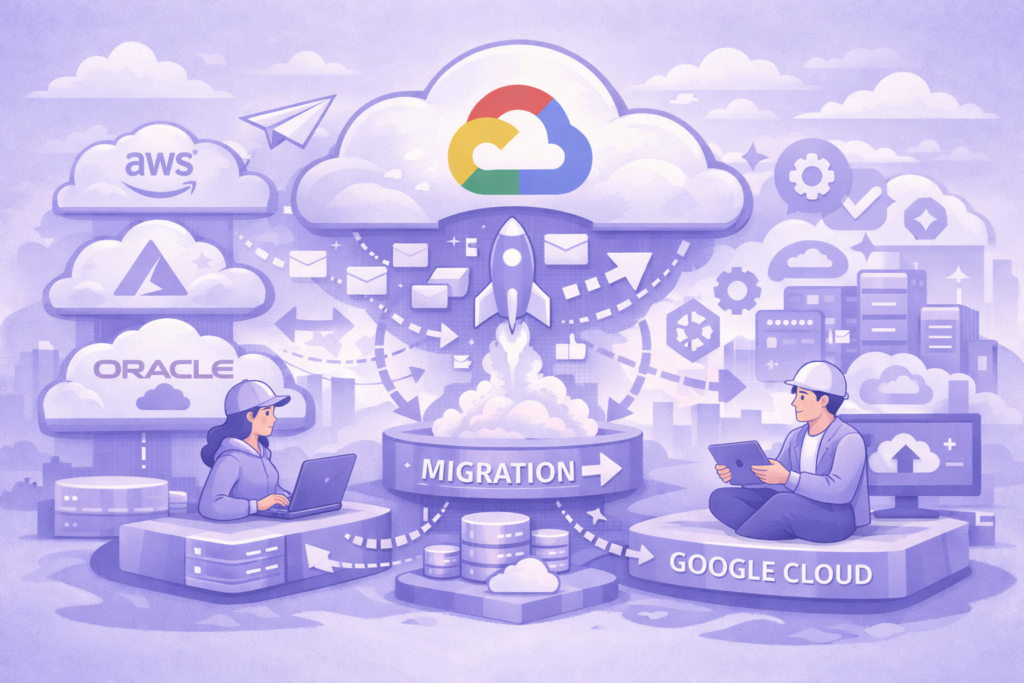
The biggest mistake companies make is treating cloud migration as a simple “lift and shift” exercise. This approach copies the existing architecture into a different cloud provider without questioning whether the architecture is still the right one. Although this strategy may reduce migration time, it often produces disappointing results. Infrastructure costs remain high, operational complexity stays the same, and the new cloud platform cannot fully utilize its native services.
Instead of asking, “How do we move our infrastructure?” a better question is, “How should this platform look if we were building it today?”
This single question changes the entire migration strategy.
Why companies migrate to Google Cloud
Every migration project starts with a business objective rather than a technical one. Understanding this objective is essential because it influences every architectural decision that follows.
One common reason is cost optimization. Cloud environments usually grow over several years. New virtual machines, databases, storage accounts, and networking components are added continuously. As a result, many organizations pay for resources that are underutilized or no longer required. Migration creates an opportunity to review the entire infrastructure instead of simply copying it.
Another major reason is data analytics. Organizations processing terabytes of operational data often discover that traditional data warehouses become increasingly expensive and difficult to maintain. Google BigQuery offers a serverless analytical platform capable of processing extremely large datasets with minimal operational overhead. For companies already investing in business intelligence or machine learning, this alone can justify migration.
Artificial intelligence has also become a significant driver. Google Cloud integrates naturally with Vertex AI, BigQuery ML, and the broader AI ecosystem. Companies planning recommendation systems, predictive analytics, fraud detection, or generative AI applications often find it easier to build these solutions within Google Cloud than extending an older architecture.
Business changes also trigger migration. Mergers, acquisitions, international expansion, compliance requirements, and digital transformation projects frequently require organizations to standardize infrastructure across multiple regions and business units. Cloud migration becomes part of a much larger modernization effort rather than an isolated infrastructure project.
The first step: understand your existing platform
Many migration projects fail before they even begin because teams underestimate the complexity of their current environment.
Before discussing Google Cloud services, every organization should perform a complete infrastructure assessment. The objective is not simply to list servers or databases. The objective is to understand how the entire platform operates.
Questions that should be answered include:
- Which applications are business critical?
- Which services communicate with each other?
- Which databases require continuous synchronization?
- Which systems have strict downtime requirements?
- Which applications can be modernized instead of migrated?
- Which components are no longer used?
Surprisingly, many organizations discover services that nobody remembers deploying, databases that have not been accessed for months, or virtual machines that continue running despite having no active users.
Creating a detailed inventory often reduces migration costs before any technical work begins.
The inventory should include compute resources, databases, storage systems, networking, identity management, monitoring, backup procedures, CI/CD pipelines, security controls, third-party integrations, and operational dependencies. Every undocumented dependency becomes a potential production incident during migration.
Mapping services between cloud providers
One of the most useful exercises during planning is creating a service mapping between the current cloud provider and Google Cloud. This exercise helps identify components that can be migrated directly and components that require architectural redesign.
For example, an Amazon EC2 virtual machine usually maps to Compute Engine. An Azure Virtual Machine follows the same path. However, this does not automatically mean Compute Engine is the best destination.
Many workloads originally deployed on virtual machines several years ago are now better suited for Cloud Run or Google Kubernetes Engine (GKE). Modern managed services reduce operational overhead, improve scalability, and simplify deployments.
Databases require even more careful analysis.
Amazon Redshift, Azure Synapse, and Oracle Autonomous Data Warehouse are analytical platforms. Their closest equivalent is usually BigQuery, but migration is rarely a direct export-and-import operation. Query optimization, partitioning strategies, data models, and reporting workloads often need to be redesigned to take advantage of BigQuery’s architecture.
Similarly, applications using Amazon DynamoDB cannot simply “move” into Cloud SQL. Depending on workload characteristics, Firestore, Bigtable, AlloyDB, or even Spanner may be better choices.
The objective is not finding identical services. The objective is selecting the most appropriate Google Cloud service for each workload.
Choosing the right migration strategy
Not every application should be migrated using the same approach.
Cloud architects commonly classify migration strategies into several categories.
Rehost means moving applications with minimal changes. This approach is fast but usually preserves existing technical debt.
Replatform introduces limited improvements without changing the application’s core architecture. Examples include replacing self-managed databases with managed database services or moving virtual machines to managed container platforms.
Refactor involves modifying application architecture to fully utilize cloud-native services. Although this requires more engineering effort, it usually produces the best long-term results.
Replace means adopting a completely different managed solution instead of migrating an existing application.
Finally, Retire identifies systems that are no longer needed. Every migration project reveals applications that consume infrastructure resources without delivering business value. Removing these systems often produces immediate cost savings.
Choosing the wrong strategy is one of the most expensive mistakes during migration. Attempting to refactor every application delays projects unnecessarily, while migrating everything unchanged wastes the advantages of the new platform.
Most successful migration programs combine several strategies depending on business priorities, technical complexity, and available engineering resources.
In the next part of this guide, we will move from planning to execution. We will examine how to migrate databases, object storage, Kubernetes clusters, virtual machines, networking, identity management, CI/CD pipelines, and production workloads while minimizing downtime and operational risk.
Migrating to Google Cloud: A Practical Guide for Teams Moving from AWS, Azure, or Oracle Cloud (Part 2)
In the first part of this guide, we discussed why organizations migrate to Google Cloud, how to assess an existing environment, and how to choose the right migration strategy. Once the planning phase is complete, the real engineering work begins.
At this stage, many teams discover that cloud migration is not a single project but a collection of smaller projects. Databases, applications, storage, networking, security, and deployment pipelines all require different migration techniques. Trying to migrate everything at once significantly increases both technical and business risks.
The most successful migrations are performed incrementally. Small groups of services are moved first, validated in production, and only then followed by larger workloads. This approach minimizes downtime while giving engineering teams enough time to identify and solve unexpected problems.
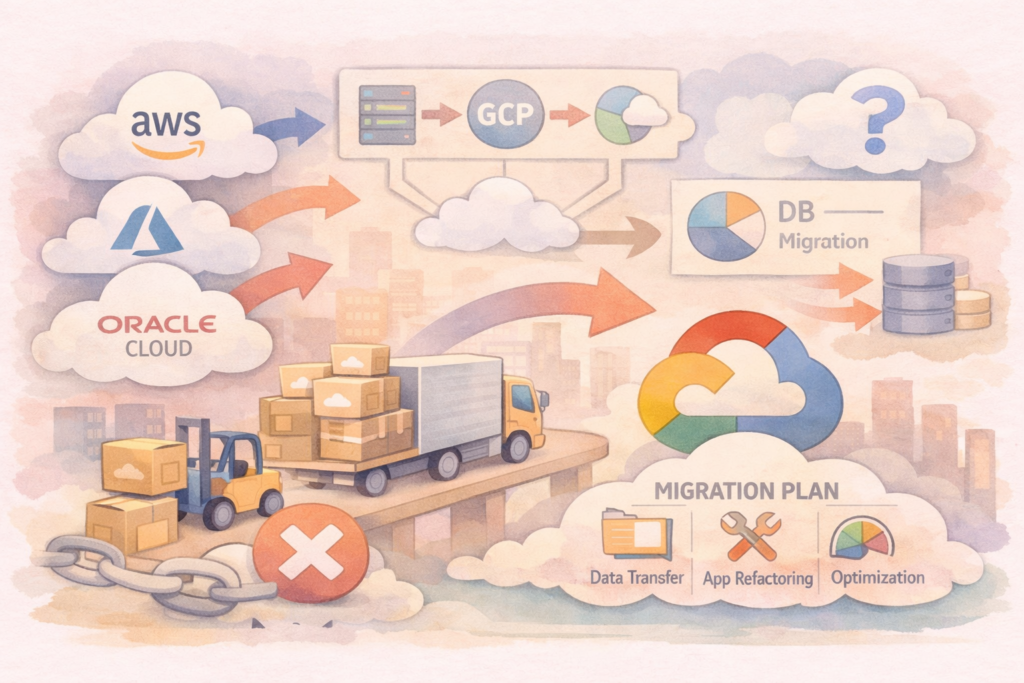
Database migration
Data is usually the most valuable asset of any organization, which makes database migration one of the most critical phases of the project.
The first decision should not be how to migrate a database but whether it should be migrated at all. Many organizations automatically move existing database engines into Google Cloud without evaluating alternative managed services.
For example, a PostgreSQL database running on an Amazon EC2 virtual machine should not necessarily become another PostgreSQL database running on Compute Engine. In many situations, Cloud SQL provides a simpler operational model by removing the need to manage operating systems, backups, software updates, and high availability.
High-performance transactional systems may benefit from AlloyDB, while globally distributed applications requiring strong consistency may be better suited for Spanner.
Analytical databases require even more attention. Organizations moving from Amazon Redshift, Azure Synapse, or Oracle Autonomous Data Warehouse often expect a direct migration path. In practice, moving to BigQuery usually involves redesigning schemas, optimizing SQL queries, reviewing partitioning strategies, and replacing traditional indexing techniques with BigQuery-native optimization methods.
Migration should therefore be considered an opportunity to improve data architecture rather than simply relocate data.
Application migration
Applications are often tightly connected to the infrastructure where they were originally developed. Older systems may depend on virtual machines, local storage, fixed IP addresses, or manual deployment procedures.
One of the most common migration mistakes is preserving these assumptions.
Modern Google Cloud services encourage a different architectural approach.
Applications that previously required virtual machines may run more efficiently on Cloud Run. Stateless services can automatically scale according to incoming traffic without engineers managing servers. Containerized workloads with more advanced networking or scheduling requirements can be deployed on Google Kubernetes Engine (GKE).
Legacy monolithic applications do not always require immediate refactoring. A gradual migration often produces better results. The application can first be moved with minimal changes before individual components are separated into independent services over time.
Cloud migration should improve operational efficiency without forcing unnecessary architectural changes during the first deployment.
Storage migration
Object storage migration appears straightforward but often introduces unexpected challenges.
Large organizations frequently manage hundreds of terabytes or even petabytes of files distributed across multiple storage buckets and regions. Before transferring data, engineers should classify it according to access frequency, retention policies, compliance requirements, and lifecycle rules.
Google Cloud Storage provides multiple storage classes optimized for different usage patterns. Frequently accessed files should remain in Standard Storage, while archives and backup data may significantly reduce costs when stored in Nearline, Coldline, or Archive Storage.
Migration is also an opportunity to remove duplicate files, obsolete backups, and unused datasets that continue generating storage costs.
Moving unnecessary data simply transfers old problems into a new cloud environment.
Networking and connectivity
Networking is one of the least visible yet most critical aspects of cloud migration.
Applications rarely operate independently. They communicate with databases, authentication services, monitoring systems, external APIs, third-party vendors, and internal business applications.
Every connection must continue functioning after migration.
Organizations often begin with hybrid connectivity, where workloads operate simultaneously in both cloud environments. Secure VPN tunnels or Dedicated Interconnect connections allow systems to exchange data while migration is still in progress.
DNS configuration also deserves careful planning. A poorly managed DNS transition can create service interruptions even when every migrated application is functioning correctly.
Designing the network architecture early reduces migration risks and simplifies future platform expansion.
Identity and security
Security models differ significantly between cloud providers.
AWS IAM, Azure Active Directory, Oracle Identity Cloud Service, and Google Cloud IAM all implement similar concepts but organize permissions differently.
One common mistake is attempting to recreate existing permission structures exactly as they existed before migration.
Instead, organizations should redesign access policies according to Google Cloud best practices.
Service Accounts should replace long-lived credentials whenever possible.
Secret Manager should store application secrets instead of configuration files.
Least-privilege access should become the default security model for every application, service account, and engineering team.
Migration projects provide a rare opportunity to eliminate years of accumulated permission exceptions and inconsistent security practices.
CI/CD modernization
Infrastructure migration without deployment modernization often leaves organizations with outdated operational processes.
Many companies continue using deployment scripts created years earlier, even though modern cloud-native deployment tools provide safer and more reliable alternatives.
Google Cloud integrates easily with GitHub Actions, GitLab CI, Jenkins, Azure DevOps, and other CI/CD platforms. Container images can be stored in Artifact Registry, while deployment automation can target Cloud Run, GKE, or Compute Engine.
Infrastructure itself should also become version-controlled.
Infrastructure as Code using Terraform allows environments to be reproduced consistently across development, testing, and production. Instead of manually configuring cloud resources, every infrastructure change becomes part of the software development lifecycle.
This approach reduces configuration drift and simplifies disaster recovery.
Monitoring from day one
Monitoring should never be treated as the final step of migration.
Every migrated workload should immediately produce logs, metrics, alerts, and health information.
Cloud Logging and Cloud Monitoring provide centralized visibility across applications, databases, networking components, and infrastructure resources. Dashboards should be prepared before production cutover rather than afterward.
Equally important is defining Service Level Objectives (SLOs) and Service Level Indicators (SLIs). Successful migration is not measured only by whether applications start correctly. It is measured by response time, availability, latency, error rates, and customer experience after migration.
Without measurable operational indicators, teams cannot determine whether the migration actually improved the platform.
Validate before scaling
One of the strongest engineering principles during cloud migration is simple: never migrate everything at once.
A small production workload provides significantly more valuable feedback than dozens of successful test environments.
Start with low-risk applications. Validate infrastructure, deployment automation, monitoring, security, and operational procedures. Once the engineering team becomes comfortable operating workloads in Google Cloud, larger business-critical systems can follow with much lower risk.
Successful cloud migration is not measured by how quickly servers appear in a new cloud provider. It is measured by how confidently engineering teams can operate, monitor, secure, and evolve the platform after the migration is complete.
In the final part of this guide, we will examine cloud cost optimization, common migration mistakes, service comparisons between AWS, Azure, Oracle Cloud, and Google Cloud, and practical recommendations that help organizations avoid expensive architectural decisions during long-term cloud adoption.
Migrating to Google Cloud: A Practical Guide for Teams Moving from AWS, Azure, or Oracle Cloud (Part 3)
After applications, databases, and infrastructure have been successfully migrated, many organizations assume the project is complete. In reality, this is where the second phase begins. Running workloads in Google Cloud is very different from simply hosting them there. The companies that gain the greatest value from migration are those that continuously optimize their architecture after production deployment.
Cloud migration should therefore be viewed as an ongoing modernization process rather than a one-time infrastructure project.
Optimize before reducing costs
Reducing cloud expenses is one of the most common reasons for migration, yet many organizations continue paying almost the same amount after moving to Google Cloud. The reason is simple—they migrated their infrastructure but not their operating model.
The easiest way to waste money is to provision resources according to peak demand and leave them running permanently. This approach was common in traditional data centers where servers had to be purchased in advance. Public cloud platforms are designed differently. Resources should scale according to actual demand rather than expected demand.
For compute workloads, autoscaling should become the default configuration whenever possible. Cloud Run automatically adjusts the number of running instances based on incoming traffic, allowing organizations to pay only for the resources they actually consume. Kubernetes clusters can also scale dynamically, while Compute Engine supports managed instance groups that automatically increase or decrease capacity.
Storage should also be reviewed regularly. Data that has not been accessed for months does not need to remain in expensive storage classes. Lifecycle policies can automatically move objects to Nearline, Coldline, or Archive Storage, reducing long-term storage costs without manual intervention.
BigQuery requires a different optimization strategy. Storage costs are generally predictable, but inefficient SQL can dramatically increase processing costs. Large analytical workloads should use partitioned tables, clustering, incremental processing, and materialized views where appropriate. Full-table scans and unnecessary SELECT * queries become increasingly expensive as data volumes grow.
Cloud cost optimization is therefore an engineering discipline rather than an accounting exercise.
The most common migration mistakes
Every migration project encounters technical challenges, but many failures are caused by decisions made long before production deployment.
The most common mistake is copying the existing architecture without questioning whether it still makes sense. A virtual machine running continuously in AWS does not automatically belong on a Compute Engine instance. It may be a better candidate for Cloud Run, GKE, or another managed service.
Another frequent mistake is migrating every application simultaneously. Although this approach appears faster on paper, it creates significant operational risk. If several independent systems fail after deployment, identifying the root cause becomes extremely difficult.
Ignoring identity management is another expensive decision. Temporary permission changes introduced during migration often become permanent, gradually weakening the organization’s security posture. Identity policies should be redesigned instead of copied.
Monitoring is frequently underestimated as well. Some teams deploy applications first and configure dashboards weeks later. By that time, important operational information has already been lost. Observability should be considered a mandatory component of every migrated workload.
Finally, many organizations underestimate training. Engineering teams that have spent years working with AWS or Azure naturally continue using familiar operational patterns. However, Google Cloud follows different design principles, and engineers must understand these differences to fully benefit from the platform.
Comparing cloud platforms
Each major cloud provider has developed its own strengths over many years. Successful migration depends on understanding these differences instead of assuming every platform works in the same way.
AWS offers the largest portfolio of cloud services and exceptional flexibility. Organizations requiring highly specialized infrastructure often find an AWS service for almost every scenario. The trade-off is increased operational complexity and a larger number of architectural decisions.
Microsoft Azure integrates naturally with Windows Server, Active Directory, Microsoft 365, and enterprise business applications. Companies heavily invested in the Microsoft ecosystem usually benefit from this close integration.
Oracle Cloud Infrastructure focuses primarily on enterprise databases and business-critical transactional workloads. Organizations already using Oracle technologies often experience excellent database performance and licensing advantages.
Google Cloud follows a different philosophy. Instead of offering multiple services that solve similar problems, it emphasizes managed platforms, automation, Kubernetes, data analytics, artificial intelligence, and developer productivity. BigQuery, Vertex AI, and Google Kubernetes Engine are examples of services that frequently become the primary motivation for migration rather than secondary benefits.
Choosing a cloud platform is therefore not about selecting the provider with the largest number of services. It is about selecting the provider whose strengths best support the organization’s long-term technical strategy.
Building for the future instead of the past
One of the greatest advantages of migration is the opportunity to redesign technical architecture.
Many applications running today were originally built five or even ten years ago. Business requirements, engineering practices, and cloud technologies have changed significantly since then.
Instead of rebuilding yesterday’s platform, organizations should prepare for tomorrow’s requirements.
Modern architectures increasingly rely on event-driven communication instead of tightly coupled services. Infrastructure is managed through code instead of manual configuration. Observability is integrated into every application from the beginning. Security becomes part of the deployment pipeline rather than a final review before production.
Artificial intelligence is also changing infrastructure design. Data pipelines that once existed only for reporting are now expected to support machine learning models, recommendation systems, fraud detection, and predictive analytics. Building these capabilities later is much easier if the underlying platform has already been designed with scalability and data accessibility in mind.
Cloud migration provides a unique opportunity to establish these engineering practices before technical debt accumulates again.
Final recommendations
Successful cloud migration is rarely defined by technical execution alone. The organizations that benefit the most are those that combine strong engineering practices with clear business objectives.
Begin by understanding the current platform instead of immediately planning the future one. Remove unnecessary systems before migration rather than after it. Select migration strategies individually for each workload instead of applying a single approach everywhere. Prefer managed services whenever they reduce operational complexity. Build automation before production deployment. Monitor every workload from the first day. Optimize continuously instead of waiting for cloud costs to become a problem.
Perhaps the most important recommendation is to accept that cloud migration is never truly finished. Business requirements evolve, technologies improve, and new managed services appear every year. A successful cloud platform is one that can evolve without requiring another large-scale migration in the future.
Google Cloud provides powerful building blocks for modern infrastructure, but technology alone does not create successful platforms. Well-designed architecture, disciplined engineering processes, and continuous optimization remain the factors that determine long-term success.
Organizations that treat migration as an opportunity to modernize rather than simply relocate infrastructure usually achieve lower operating costs, faster software delivery, stronger security, and a platform that is ready for future growth. Those that merely copy their previous environment often discover that changing cloud providers alone does not solve architectural problems.
In the end, the goal of migration is not to move workloads into Google Cloud. The goal is to build a platform that is simpler to operate, easier to scale, less expensive to maintain, and capable of supporting the next generation of business applications.